Caswino Australia
Caswino Mobile Casino Australia: Browser Play, iPhone and Android
 Available in US
You do not need a dedicated app to use Caswino on mobile. The casino is web-based and works through a mobile browser, so iPhone and Android users can open the official site, sign in and reach the casino without installing a native application. A native Caswino listing in the Apple App Store or Google Play is not part of the normal mobile route, and there is no reason to look for an unofficial APK.
That browser-first approach keeps the mobile setup simple, but it is important not to turn it into a promise about performance. Caswino supports mobile browsing and exposes its casino sections through the responsive site, while exact load times, battery use and performance on every handset or connection are not fixed characteristics. The practical question is therefore whether the browser interface provides the functions you need, not whether it matches a benchmark score.
- Browser casino or native app?
- Using Caswino on iPhone
- Using Caswino on Android
- Games on a smaller screen
- Account access from a phone
- Deposits, withdrawals and the mobile cashier
- Why browser access can be preferable
- A practical mobile checklist
- Where mobile access fits in the overall Caswino experience
- No app hunt needed for everyday mobile play
Browser casino or native app?
Caswino uses a browser-based model. The official site states that an app is not needed and that the casino can be accessed on mobile or desktop. For most players, this removes a decision step: instead of choosing between a website and a separate app, the mobile browser is the main route.
A native app is a program installed through an app store or another installation package. A browser casino runs as a website and adapts its layout to the screen. Caswino falls into the second category. That distinction matters because searches for a “Caswino app” can lead users toward third-party download pages even though the casino itself does not require one.
The safest habit is to use the official Caswino website directly and avoid downloading software from unrelated sites. This is especially important with APK files, which can be distributed outside the normal Android store environment and should not be assumed to be official simply because they use a casino’s name or logo.
Using Caswino on iPhone
On an iPhone, the normal route is to open the official site in a browser and sign in there. Because the service is web-based, the essential casino navigation does not depend on an App Store installation. The mobile layout is designed to fit a smaller screen, with menus and game categories available through touch controls.
The difference compared with desktop is mainly physical. A phone has less screen space, so fewer game tiles and controls can be visible at once. Scrolling and category filters matter more. This is particularly noticeable in sections with dense information, such as live roulette or a cashier page where several payment choices may be shown together.
Players should also distinguish browser compatibility from a guarantee about every iPhone model or iOS version. Caswino supports mobile-browser access. The site does not provide a meaningful universal promise for speed, battery use or identical behaviour across every device.
Using Caswino on Android
Android users follow essentially the same process: open the casino in a mobile browser rather than searching for a separate app package. The browser-based site provides access to the account and game areas without requiring an APK installation.
This has a practical security advantage because it reduces the need to decide whether a download offered elsewhere is authentic. If a search result or third-party page offers a “Caswino APK”, that should not be treated as part of the normal access route. The official path is the website itself.
Android devices vary widely in screen size, browser version and hardware, so it would be misleading to claim identical performance across all phones and tablets. A current mainstream browser and a stable connection are the sensible baseline. If a particular game does not display well, changing orientation, closing other heavy browser tabs or trying another current browser may help, but these are general troubleshooting steps rather than Caswino-specific guarantees.
Games on a smaller screen
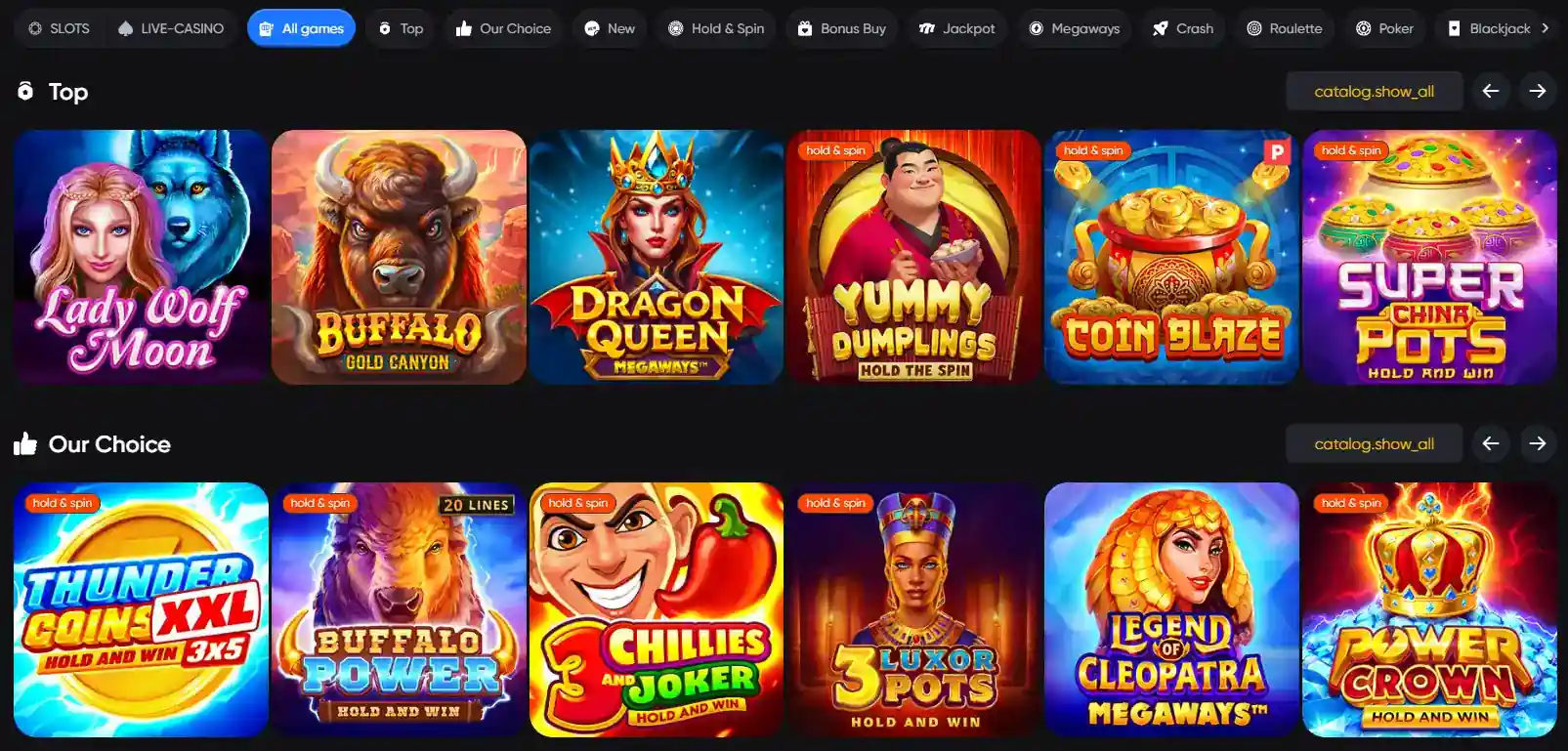
Caswino offers slots and a separate live casino section. The wider catalogue includes providers such as BGaming, Betsoft, Wazdan, Red Tiger, Endorphina, Yggdrasil, Hacksaw and Playson. On mobile, the key difference is not whether those categories exist, but how efficiently they can be found on a narrow display.
Category-based browsing is more useful on a phone than long scrolling. The site exposes sections for slots, live casino and game categories, allowing players to narrow the catalogue before opening a title. The Caswino pokies and games guide covers that library in more detail without turning this mobile page into a list of providers and titles.
Live dealer games deserve extra consideration because they combine video, betting controls and table information on one screen. Caswino’s live casino works through the browser as part of the wider mobile experience, but there is no fixed performance promise for stream quality or latency. A stable connection and enough screen space to read the table controls remain practical considerations.
Account access from a phone
Caswino’s browser interface gives mobile users access to the account area without requiring a separate application. That means the basic relationship between the account and the casino remains the same whether the site is opened on a phone or desktop.
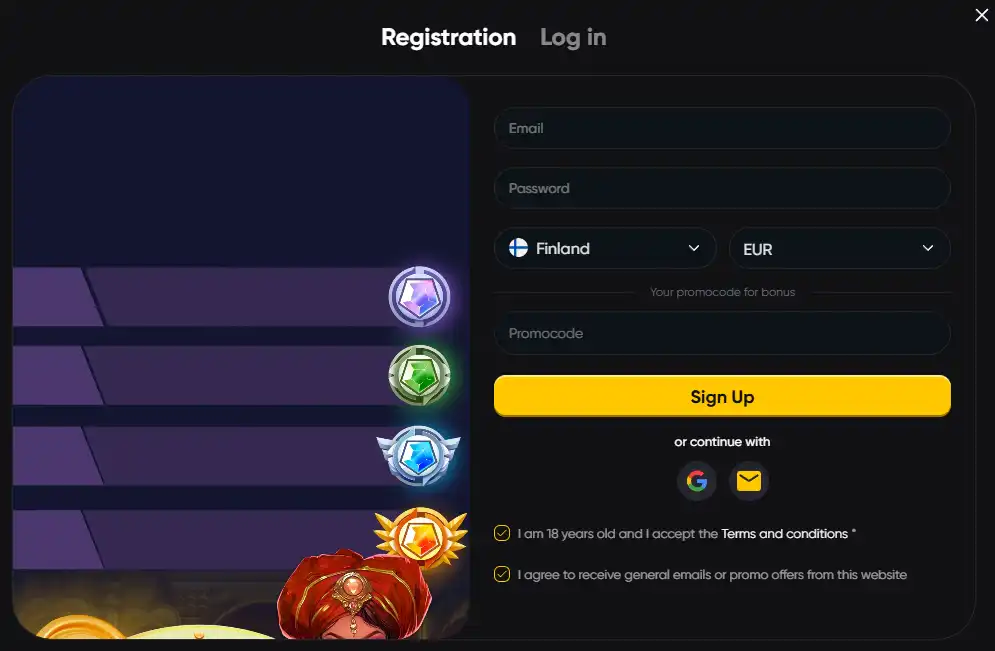
For new users, the important distinction is between mobile access and the registration process itself. The browser is simply the interface. Account creation, eligibility and verification are separate topics. The Caswino registration guide covers those steps and keeps the mobile discussion focused on device access rather than repeating account instructions.
Mobile users should be particularly careful with saved passwords and shared devices. A phone often stays signed in to browsers and password managers for long periods. Using the device’s screen lock, avoiding shared browser profiles and checking the domain before entering credentials are more useful security habits than installing an unofficial app in the hope that it is safer.
Deposits, withdrawals and the mobile cashier
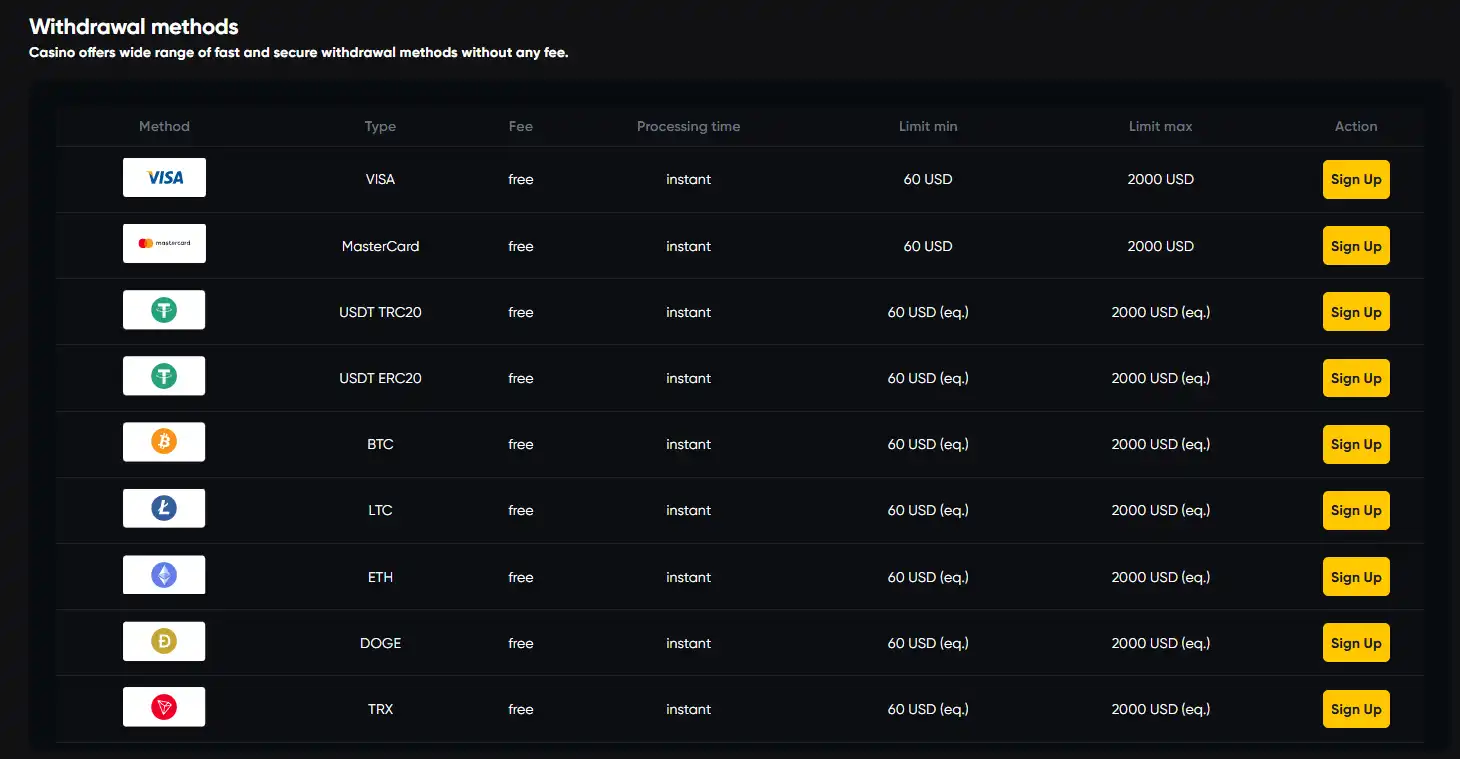
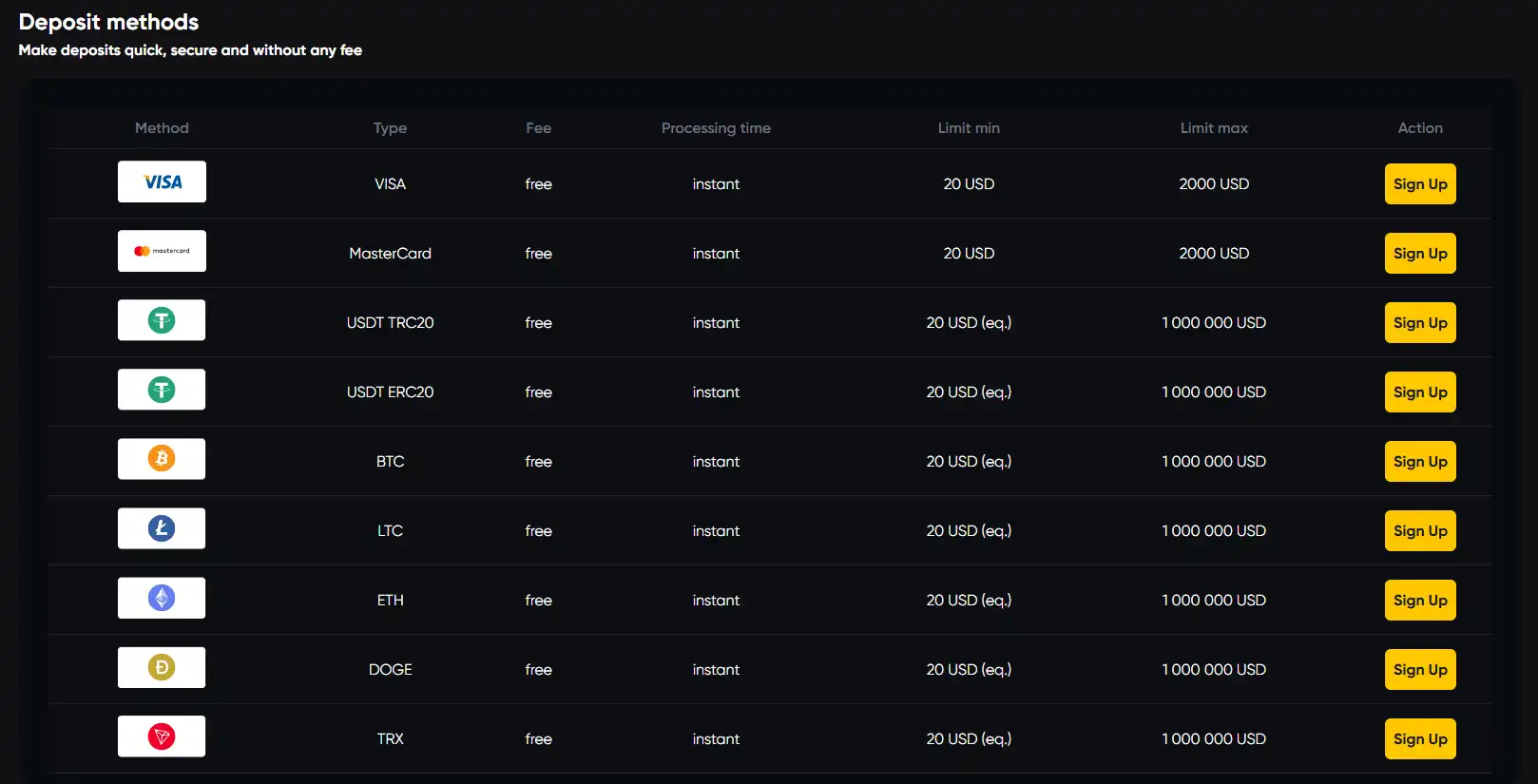
The official site says that banking functions are available through the mobile experience. In practical terms, a browser-based cashier means users do not need a separate banking app supplied by the casino. The available payment options can still depend on region and account context, so the cashier shown to the player is the relevant place to check current choices.
For Australian readers, the Caswino payment methods page separates confirmed casino payment options from payment methods that are merely popular in Australia. That distinction is useful on mobile because familiar local brands should not be assumed to appear in Caswino’s cashier unless they are actually listed there.
Withdrawals also deserve their own checks. A method appearing in a cashier does not by itself prove how long a specific payout will take after account review, processing and payment-network handling. Mobile access makes the cashier convenient to reach, but it does not change the underlying withdrawal conditions.
Why browser access can be preferable
There are several practical advantages to a browser-first casino. The user does not need storage space for another app, updates are handled on the website side, and the same URL can be opened across multiple devices. A player can move from laptop to phone without managing two separate pieces of casino software.
It also reduces confusion around app availability. Some casino brands have native apps in selected regions and not others, which can create outdated download guides. Caswino’s browser model is simpler: the mobile site is the product that matters.
The trade-off is that browser access depends on the browser and network environment. Notifications, home-screen behaviour and deep integration with the operating system may differ from a native app. None of those differences prevents normal browser use, but players expecting an app-store style experience should understand that Caswino is designed around the website instead.
A practical mobile checklist
- Use the official domain: open caswino.com rather than relying on a third-party download page.
- Skip unofficial APKs: the normal Caswino experience does not require an Android installation file.
- Keep the browser current: modern browser support is a sensible baseline for responsive casino pages.
- Use category filters: they reduce excessive scrolling when browsing a large game catalogue on a phone.
- Check game controls before wagering: live tables in particular can place more information on a small screen.
- Treat cashier details as current-session information: available methods can vary by region and account.
- Protect account access: use a device lock and avoid leaving a signed-in casino session on a shared phone.
Where mobile access fits in the overall Caswino experience
Mobile is best understood as another way to reach the same Caswino account and game catalogue, not as a separate product with its own native app ecosystem. The browser approach covers the main use case for both iPhone and Android users and avoids the need to install dedicated casino software.
That simplicity is the main strength of the mobile setup. The limitation is equally clear: browser support should not be inflated into claims about exact speed, battery efficiency or universal device compatibility. Those outcomes depend on hardware, browser and connection conditions that differ from one user to another.
Readers who want the broader picture can return to the full Caswino review, while game selection, account creation and banking each have their own focused guides. Keeping those topics separate makes it easier to answer the mobile question directly: for normal Caswino use, a current mobile browser is enough.
No app hunt needed for everyday mobile play
Caswino’s mobile proposition is straightforward: open the official website on an iPhone or Android device and use the responsive browser interface. There is no need to search an app store or install an APK to reach the casino.
For most players, that is a cleaner setup than maintaining a separate casino application. Use the official domain, keep the browser up to date, and judge individual games by how they behave on your actual device rather than by unsupported performance claims. The result is a mobile experience defined more by access and navigation than by a downloadable app.
Written by the editors at Caswino Casino.